
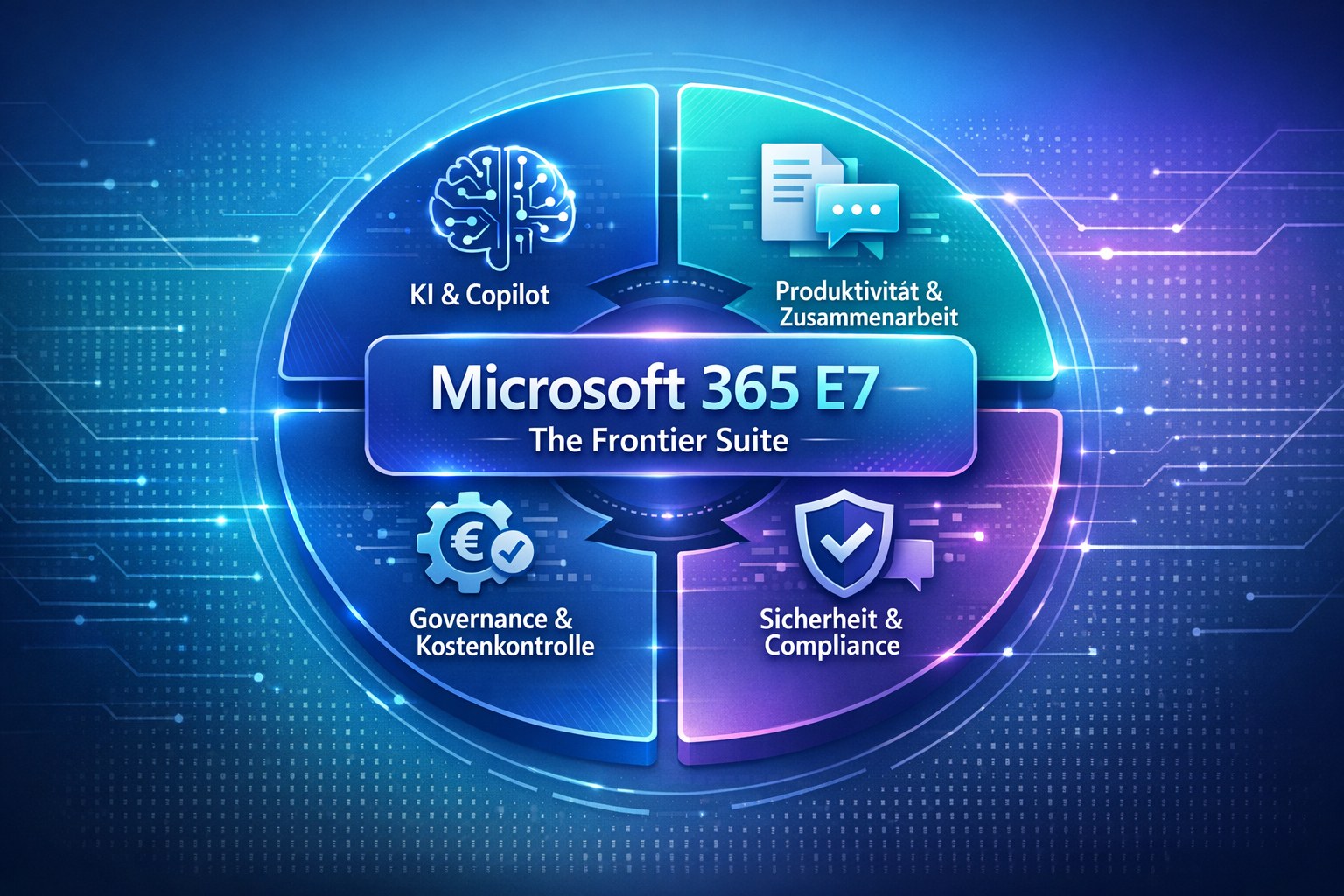
In 2026, hardly any licensing topic has come up in my conversations with executive teams as often as Microsoft 365 E7. Microsoft markets the plan as "The Frontier Suite" and places it above E3 and E5. What people ask me is rarely technical. They want to know whether their current Microsoft 365 setup will carry them through the next few years or whether it was built for requirements that are already behind them. In this post I look at the business value of E7 and show you how to check your starting point in your own tenant.
Microsoft 365 E7 builds on E5 and adds three components
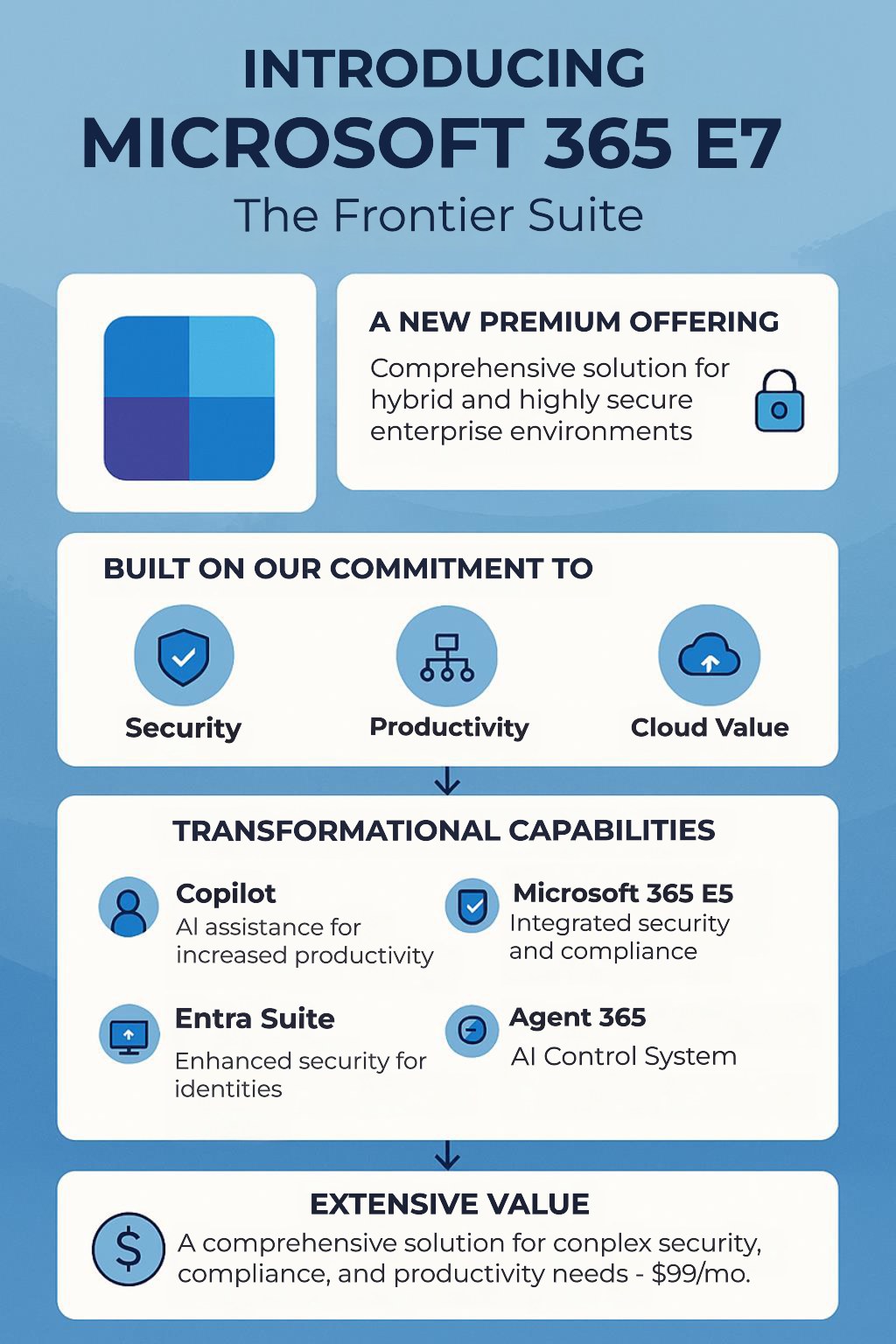
Microsoft 365 E7 combines AI-assisted productivity, security, compliance and identity protection in one licence. According to Microsoft, E7 starts from Microsoft 365 E5 and adds Microsoft 365 Copilot, the Microsoft Entra Suite for advanced identity and access protection, and Agent 365 as the control plane for AI agents. If you have E5 today and buy Copilot and extra security components as separate add-ons, E7 gives you largely the same capabilities as a single package rather than a list of add-ons that keeps getting longer.
For decision makers the main point is a common framework. Employees get AI built into their tools, security and compliance risks are handled on one platform, and the licence situation becomes easier to follow. The organisation also ends up with clearer rules for how AI may be used.
Copilot shortens the path from data to decisions
New ideas tend to come from places where data, speed and collaboration overlap. Copilot lets teams work through large amounts of information much faster, prepare strategic decisions with less effort and move product development along more quickly. Leaders and business units spend less time hunting for information and more time on strategy. In markets where speed decides who wins, an integrated AI platform gives you a basis for data-driven decisions and new business models.
Copilot takes routine work off knowledge workers
Knowledge work is expensive, and routine tasks eat away at it. Summarising emails, writing up meetings, structuring reports and preparing slides all take time and add little strategic value. Copilot covers exactly this kind of work in Word, Excel, PowerPoint, Outlook and Teams. It drafts and summarises content, turns meeting results into structured notes and offers help in context while you work on a document. Seen from management, each employee produces more, projects finish sooner and administrative effort drops. With skilled staff hard to find, I don't treat this as a minor efficiency gain. It is a genuine way to grow.
A shared security architecture lowers cyber and reputational risk
Boards have been discussing cyberattacks for years, and regulation keeps expanding in nearly every industry. E7 is based on one security and compliance architecture. The E5 protections for endpoints, email, identities and data are extended by the Entra Suite, which brings Zero Trust network access and identity governance, among other features. Instead of a collection of point solutions, you have one view of risk and central controls. You see your security posture more clearly, audits get easier and there is less to manage. For me, one point stands out. AI productivity only lasts if it sits on a solid security architecture. What that means for agents is covered in my checklist for agent governance.
Consolidating on one suite can reduce total cost of ownership
Most organisations have picked up additional tools, security products and niche applications over the years. That leaves them with parallel licensing models, lots of vendors and complicated integrations, all of which push up total cost of ownership (TCO). E7 gives you an opportunity to consolidate. Productivity, security and AI come from one vendor, some point solutions can be switched off, and governance and contract management become simpler. CFOs and COOs mainly look for predictable IT costs, possibly a better negotiating position thanks to bundling, and less internal admin work. Whether the maths works depends on which components you already pay for, and I come back to that further down.
Copilot and Agent 365 give the Frontier Suite its name
"Frontier Suite" points to the next jump in productivity that AI is expected to bring. In practical terms, content is produced faster, data is analysed in context, decision papers arrive better prepared and there is less manual work of little value. Take a CFO getting ready for an important board meeting. Rather than collecting information by hand from emails, meetings, Excel workbooks and slide decks, she lets Copilot summarise the relevant material, point out trends and deviations, draft a presentation and list open questions or risks. The benefit isn't more technology. It is more time for the content that matters.
Agent 365 is the new piece in E7. Once business units start building or using their own AI agents, you need a single place to register, authorise and monitor them. If you have ever done an inventory of the Copilot agents in your tenant, you know how fast the overview slips away.
Risk management with AI remains a leadership task
The more AI an organisation uses, the more responsibility it carries. Data has to be protected, access has to be controlled and regulations have to be met. An integrated platform helps structurally because policies are consistent rather than split across silos, there is one identity and access model, and compliance mechanisms cover the whole chain. The board gets data flows it can trace, better audit readiness and clear accountability. With AI especially, productivity without governance creates risk, and E7 puts both into one framework.
Three reports show your starting point in the tenant
Before you decide anything, look honestly at where you are today. No new licence is required, only read access. In the Microsoft 365 admin center (admin.microsoft.com), open Billing → Your products. There you'll find all active plans and add-ons, for example E3 or E5, Microsoft 365 Copilot and single Entra components such as Entra ID Governance or Global Secure Access. The Billing Reader or Global Reader role covers this. Reports → Usage → Microsoft 365 Copilot shows how many licensed users really work with Copilot, and the Reports Reader role is enough for it. I consider that figure the most honest basis for judging whether a broad rollout will pay off. If you want to assign Copilot licences cleanly through groups, see my post on group-based Copilot licensing.
For security, go to the Microsoft Defender portal (security.microsoft.com) and open Exposure management → Secure score. It lists the recommendations that are still open and shows which of them you can't implement because a licence is missing. If you already own E5, remember that E5 includes Security Copilot, so factor that into the assessment too.
This diagram shows the decision path I usually go through with customers:
flowchart TD
    A["Review current licences"] --> B{"E5 and Copilot in use?"}
    B -- "Yes" --> C["Compare E7 with add-ons"]
    B -- "No" --> D["Pilot in one department"]
    D --> C
    C --> E{"Entra Suite and Agent 365 needed?"}
    E -- "Yes" --> F["Plan E7 for target group"]
    E -- "No" --> G["Stay on E5 plus add-ons"]
Figure: From the licence review to planning E7
Licensing belongs in corporate strategy, not in individual projects
Licences are often bought tactically, one project or requirement at a time. Once AI shapes how people work, though, your Microsoft 365 strategy should be part of the company's overall strategy. Treating E7 as a strategic question lets you consolidate vendors, control one platform centrally, see actual usage and value more clearly and plan IT spending over the long term. So the real question goes beyond the price of E7. It is about the value a consolidated, AI-capable platform delivers compared with the fragmented setup you run today. Watching usage-based costs belongs to this, for example through a spending policy for Copilot.
I recommend four steps before deciding on E7
E7 is more than a licence upgrade. It moves you towards a work platform with AI at its centre. My advice is to begin with a joint assessment by your CIO and CISO of where you stand on productivity, AI usage and security architecture, using the reports above to get reliable numbers. After that, it pays to run a structured potential and ROI analysis with a certified Microsoft partner who considers the licences and tools you already have. Then pilot the AI and security features in departments that deal with a lot of information, such as finance, sales or HR. At the end you should have a licensing roadmap that swaps piecemeal upgrades for a consolidated platform strategy. Plans can usually be mixed in one tenant, so E7 doesn't need to cover every employee.
E7 is a platform decision rather than a licence upgrade
With Microsoft 365 E7, enterprise IT enters a new phase in which integrated AI sits inside a solid security and governance structure and comes as one suite. Leaders shouldn't focus on single features. They need answers on how to raise productivity for the long run, how to reduce cyber and compliance risk, how to simplify the IT and licensing landscape and how to prepare for AI-driven innovation. In my view, E7 is a platform decision where AI productivity and security go hand in hand. If you want to influence the next wave of productivity instead of reacting to it, review your Microsoft 365 strategy now and base it on real usage data, not on gut feeling.
