
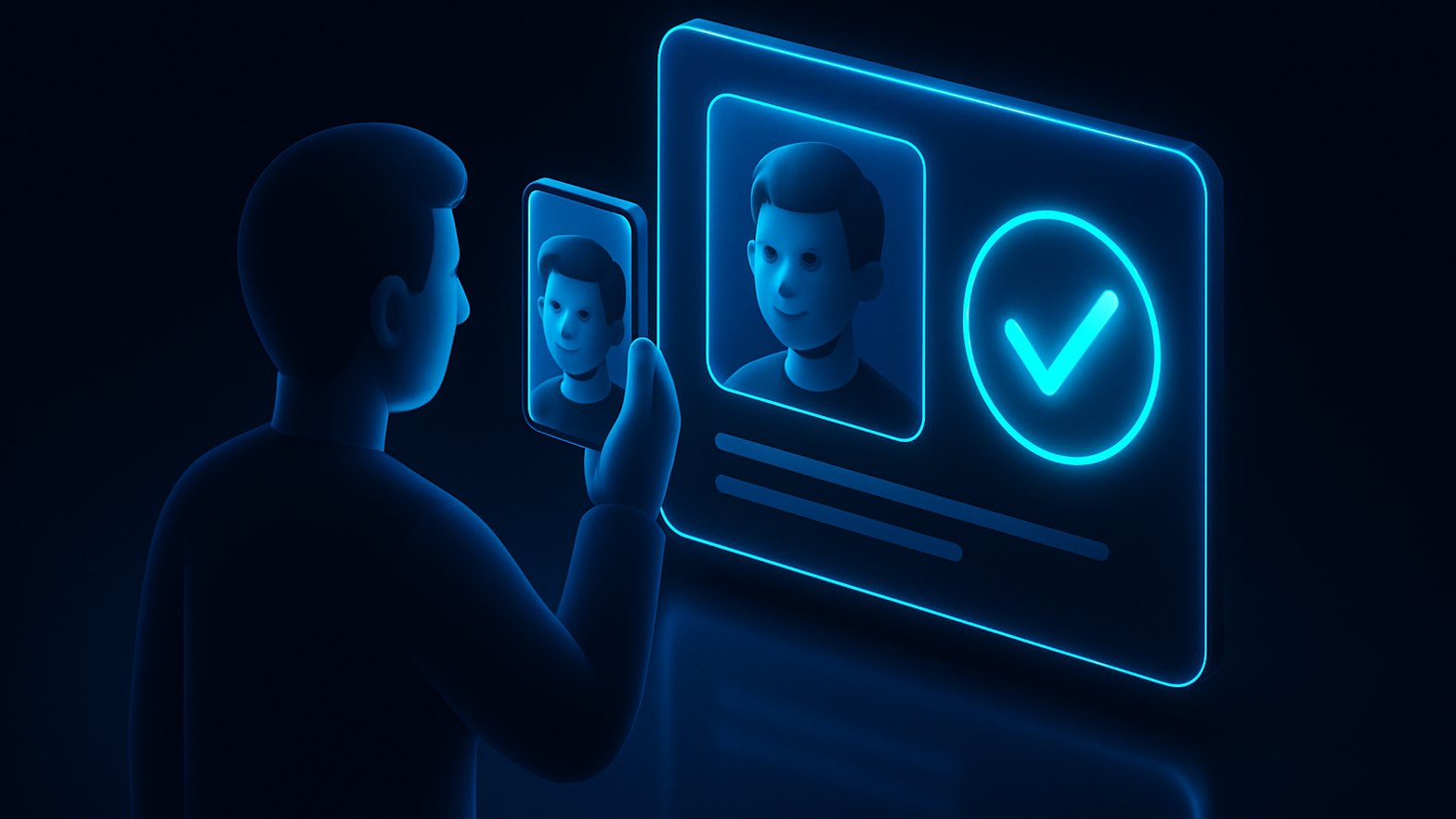
In nearly every tenant I review, verifying a caller's identity at the helpdesk is a sore spot, and it remains a favorite target for social engineering. Someone calls in and wants a password or MFA reset, and the admin has to decide whether the person on the line is really who they claim to be. Since August 2024, Verified ID Face Check in Microsoft Entra ID gives us a practical answer that also respects privacy. It is now generally available and ready for real use.
Face Check compares a live selfie with a verified credential photo
Face Check doesn't rely on knowledge-based questions. It uses a biometric comparison instead. The user takes a live selfie with their phone or PC, and AI compares it with the photo stored in their Verified ID credential. That photo is typically captured during onboarding by an identity verification partner, based on a validated ID document. The important part is that only the "match confidence score" goes back to the verifier. The actual images never leave the user's device or wallet. For background on what decentralized identity means, the official docs are a good starting point (Decentralized Identifier overview).
With this, the helpdesk can verify identity without asking personal trivia ("What’s your favorite color?"), and staff never get to see sensitive documents. For password and MFA resets, that cuts social engineering risk considerably. It helps most when you issue a Temporary Access Pass (see /blog/temporary-access-pass-passwordless-onboarding), because that is where traditional controls are weakest.
A Face Check request takes only a few steps in practice
In day-to-day use it goes like this. The helpdesk agent starts a Face Check request in the Entra admin center. The user gets a link, usually on their phone, takes a selfie and gives consent. The AI then compares the selfie with the credential photo, which was originally verified against an official document during onboarding. The agent sees the result, for example "high confidence match", and can go ahead with the sensitive action.
To make it easier to follow, I've sketched the flow in a simple diagram:
sequenceDiagram
    participant Helpdesk as "Helpdesk"
    participant User as "User"
    participant EntraID as "Entra ID Verified ID"
    participant AI as "Face Check AI"

    Helpdesk->>User: [Send Face Check link]
    User->>EntraID: [Take selfie]
    EntraID->>AI: [Selfie & credential photo]
    AI->>EntraID: [Match confidence score]
    EntraID->>Helpdesk: [Show score]
Figure: The steps of a Verified ID Face Check for the helpdesk.
The helpdesk side never handles sensitive images. All it gets is the match confidence score.
Setup starts with Verified ID and Microsoft bills each check
If you want to try Face Check, start by enabling Verified ID in the Microsoft Entra admin center. The basic configuration takes less time than you might expect (Verifiable Credentials quickstart). To actually issue a credential with a verified photo, you need a partner solution that captures and validates an official document (more details here).
On the licensing side, Face Check is billed per check and is included with Entra Suite (for example, Entra ID Plan 2 or Suite SKUs). Costs stay predictable that way, but you should still keep an eye on usage and reserve the feature for helpdesk operations that are genuinely sensitive.
Practical tip: Bring your privacy officer in early. Clarify where photos are stored, when credentials expire and how data flows. HR teams tend to be particularly wary of biometrics, even when all you store are decentralized credentials.
The helpdesk never sees the user's photos
For me, privacy is where Face Check stands out most. The helpdesk and the verifier never receive the selfie or the credential photo, only the match score. Users have to give explicit consent before every check and can decline at any time.
Issuing, renewing and managing credentials happens between Entra ID and the identity verification partner you choose. From what I've seen, a Verified ID rollout often succeeds or fails on that partner integration. The upfront work pays off quickly, though, once you see how much social engineering risk disappears from the helpdesk.
I consider Face Check far more than a tech gimmick
I see Verified ID Face Check as a major step forward for identity assurance that is both secure and easy on users, particularly when MFA resets or privileged access are involved. It lets you trust the helpdesk again, even while you scale up self-service or Temporary Access Pass rollouts. Hybrid and high-sensitivity environments benefit most, since attackers there have always gone after the human element.
Face Check is a real, production-ready feature in Entra ID today. If helpdesk social engineering keeps you up at night, Verified ID Face Check deserves a close look.
