
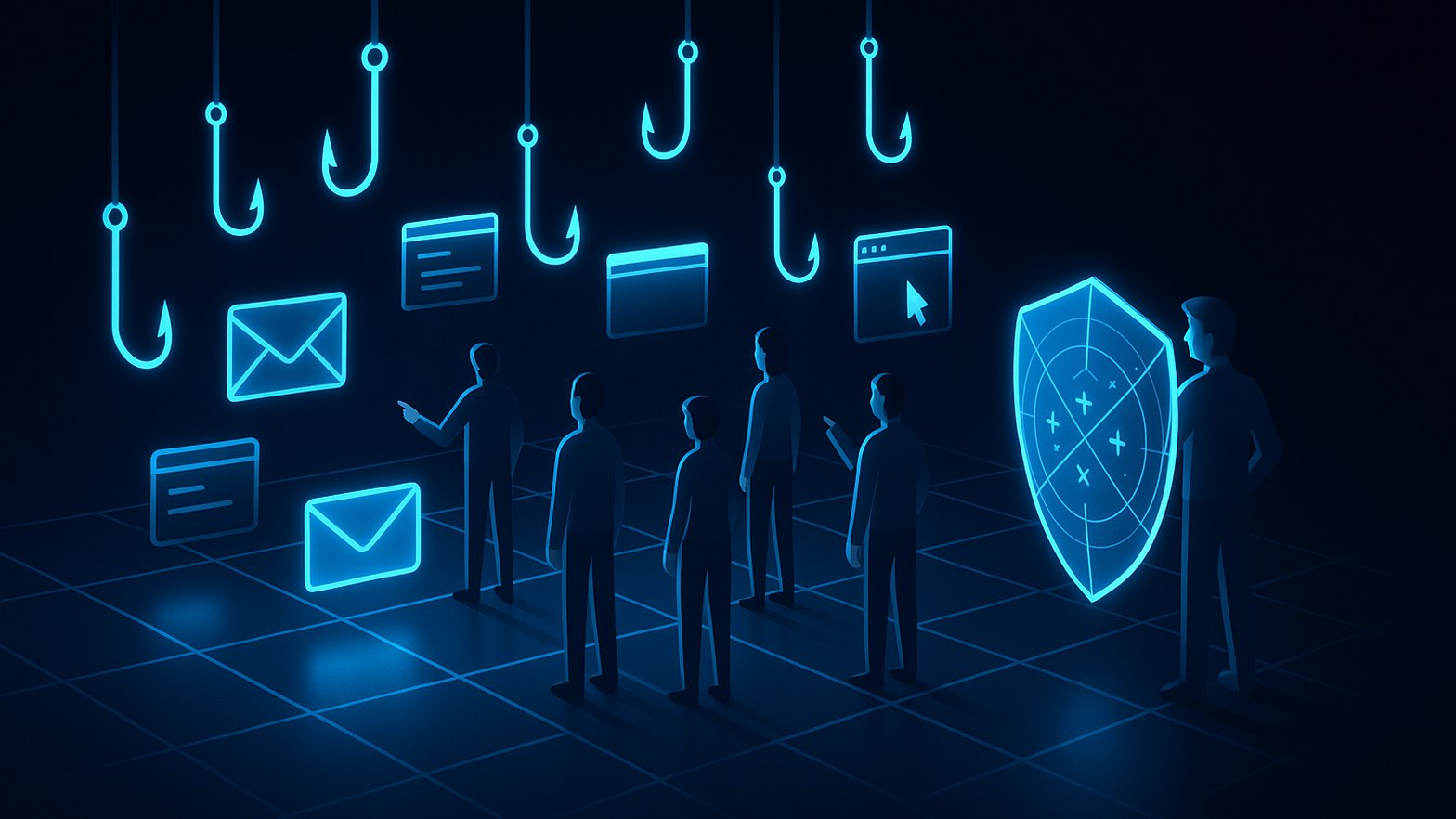
Phishing is still one of the main reasons incidents happen, even in tenants with strong technical controls. In many customer environments I find the Defender for Office 365 preset policies in place, yet risky user clicks keep getting through. That's where attack simulation training in Microsoft Defender for Office 365 Plan 2 or Microsoft 365 E5 makes a real difference. It pairs current phishing simulation techniques with targeted training, so security teams can change behaviour over the long term instead of just collecting click statistics.
Attack simulation training covers modern techniques and automates the training
Attack simulation training lives in the Microsoft Defender portal under Email & collaboration → Attack simulation training (it requires Defender for Office 365 Plan 2 or Microsoft 365 E5). What I like about the platform is that it goes well beyond classic credential harvesting. You can simulate malicious links in attachments and QR code payloads, which matter more and more as attacks move to mobile. You can even run OAuth consent grant scenarios that imitate legitimate app permission prompts, a good way to make people aware of current tactics. All of this makes simulations far more effective than the old "please enter your password here" templates. If you want more background on how threats are evolving, have a look at my post on AiTM phishing tactics and defences.
Simulation automation saves a lot of time. You can schedule recurring campaigns that automatically assign tailored training to users who click or enter data. The built-in training modules are practical and come in multiple languages, German included. So you can keep awareness work going continuously without rebuilding campaign content every time. You define the audiences, and the automations handle the rest.
Before you start, I recommend planning the following:
- Who will be targeted (all users, departments, new joiners)?
- Which attack technique fits the environment and current risks?
- Is training assigned automatically or only to high-risk users?
- How often should simulations run to remain effective yet not annoying?
- How are training results and key learnings communicated?
The reports point you to repeat offenders who need support
The reporting in attack simulation training is more than a set of nice dashboards. The "Repeat Offenders" view, which you'll find under Simulations → Insights or via Microsoft's analytics documentation, shows you quickly which users keep falling for simulated attacks or ignore their training. That's very useful when you plan follow-up. My projects have shown me again and again that offering these users support and extra training works better than pointing fingers. Mistakes usually come from complicated processes, unclear communication or stress, not from a lack of skill.
One piece of advice: don't turn these reports into "worst offender" lists. Use the data as the starting point for supportive follow-up, not as a disciplinary tool. In many companies I've worked with HR and the works council to agree on clear rules. Nobody gets named or shamed, and simulation results stay out of performance reviews. If you handle it transparently, the programme builds a learning culture rather than fear.
Practical tip: Bring in your works council or employee representatives early. Be open about the goals and how the data is handled, document everything and agree on privacy-friendly reporting. That prevents roadblocks later and builds trust.
Works council involvement keeps simulations about learning rather than policing
In Germany in particular, you can't roll out attack simulation training without the works council. Simulations must never become a surveillance instrument or a basis for sanctions, because that would backfire both culturally and legally. In practice it has paid off for me to sit down early with HR and IT and work out clear agreements: simulations exist for learning, not for evaluating people or feeding office gossip. Pick scenarios that are realistic but never humiliating. Fake disciplinary emails or overly personal lures are off limits.
Reporting can and should be anonymised or grouped by department rather than by individual. That keeps trust intact and the focus on improvement. If you treat this purely as a tooling topic and ignore the people involved, you will run into resistance. I cover more on ethics and security practices in my post on Defender for Office 365 preset security policies.
The Report Message button replaces blame with positive reinforcement
Simulations only change behaviour when users see them as practice for real threats and not as traps. The Report Message button in Outlook and Teams plays a central role here. With one click, users can report suspicious messages, simulated ones included, and they get feedback straight away. That builds confidence and gets people into the habit of reporting genuine threats too. For the security team it also means more people watching for new attack trends. Deploy the Report Message add-in through the Microsoft 365 admin center, and set up your simulations so that a reported test mail counts as a "success" for the user.
If you leave this out, you miss a good chance for positive reinforcement and for improvement based on real data. You'll find practical setup details in my post on Defender preset policies and in Microsoft's simulation getting-started guide.
A phishing simulation follows a simple flow from campaign to report
When I explain the process to works councils or management, a diagram helps every time. Here is a simplified flow of a typical attack simulation, including automatic training and reporting:
flowchart TD
A["Create simulation campaign"] --> B["Select participants"]
B --> C["Send phishing email"]
C --> D["User interacts (opens/clicks)"]
D --> E["Assign automatic training"]
D --> F["Report Message button used"]
E --> G["Track learning progress"]
F --> G
G --> H["Reporting & insights"]
Figure: Steps of a phishing simulation with automated training and reporting
Security culture matters more than blaming individual users
Well-designed attack simulation training is much more than ticking a compliance box. Done properly, it really does change how users behave and improves your day-to-day security posture. What makes it work is keeping simulations fair, transparent and ongoing, with the emphasis on learning instead of blame. Acceptance goes up considerably when HR, IT and the works council are involved early and the technology comes with positive communication. Combined with the Report Message button and the automation features, attack simulation training becomes a solid basis for genuine security awareness, not a "gotcha" exercise or an employee leaderboard.
